Your Website
One of the main things you will want as an author is a website. Whether you decide to have someone do this for you or do it yourself, it is very important to have one. It is important because you want your readers to have some place to go, to keep up with you, and to know what you are up to.
Before designing your website, look at other authors’ websites to see how they have theirs set up and what they include. Some have more than others. Your website is a reflection of you, so you can make it simple or go all out! It’s your website, so it is completely up to you. I would, however, suggest that you do not make it overly busy and complicated. Keep the main navigation menu (the items at the top of your Home page, such as Home, Blog, Meet the Author, etc.) to a minimum. For instance, I have seven items in my navigation menu. Mine include Home, About, (this item has a drop-down arrow that has other items under it, such as About the Author, and About the illustrator.) Meet the Characters, Events, Blog, Teacher Resources, and Shop. To me, these are the most important navigation items to have on an author’s website.
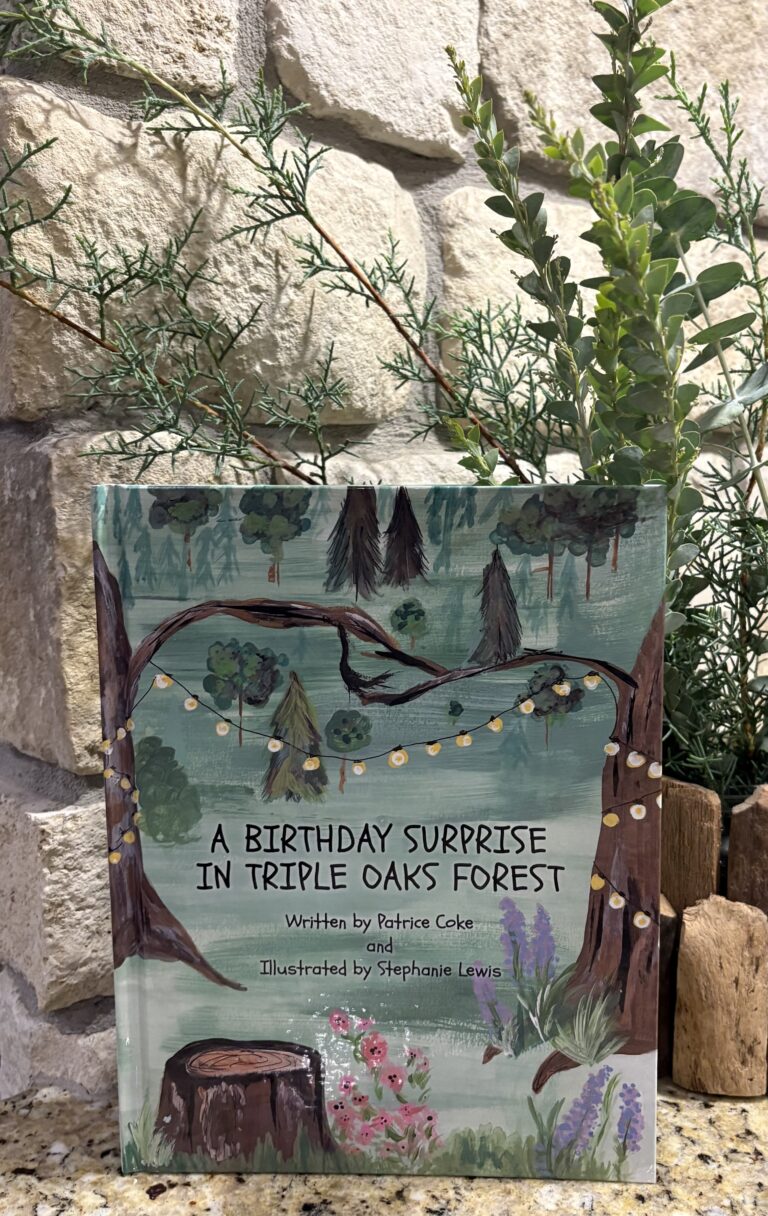
Let’s talk a little about the navigation menu items. The Home page, is the main page. To me, it makes sense, on this page, to have the title of your book, a picture of the main character, a picture of your book, and a button when clicked, will direct your readers to the shop to get the book. And then, a place where the readers can join and sign up for your newsletter. Of course, your navigation items will also be at the top of this page. At the bottom of your pages, you will want your copyright information, your Privacy Policy item (that takes the reader to this page), as well as your Shipping and Return Policies (also, when clicked on, it will take the reader to these pages). The next navigation item is About. This item (as I said before) has a biography of the author, as well as the illustrator. These biographies are important because they give the readers an insight into who you are, as well as who your illustrator is, and they make the reader feel more connected. Under this item, it also has a Contact page where someone can email you, send you a message, and submit it. This is primarily used if a reader has a question for you or if someone wants to book you for an event. Our next navigation item is Meet the Characters. This is not a must, but I felt like it includes children; if they went to the website, or if their parents went to the website with them, they could read about each character. Also, I plan on adding (here and there) a new character, at least sometimes, to each book. This gives them an idea of each character’s personality. For instance, under each of my characters, on this page, there is a quote that they are saying. This connects the reader to the character. The next item, on the navigation menu, is the Events page. This page simply lets readers know where you are going to be next, for your book events. If they missed you at one event, they know they can come and see you at another place. Or, if they would like to see you again! I post a couple of events at a time, and of course, unless I put “private” on the event, all events are open to the public. Next is the Blog page. This is one of my favorite pages because I get to write and inform the reader about my journey, and hopefully help someone else who is curious and wants to begin the writing process as an author. A Blog page not only should be somewhat informative, but it should also be written in an “informal” way, like you are having a conversation with your reader. It is important to Blog because it keeps the readers informed, and it hopefully creates a “fan base” and helps give the author credibility. It is important to keep up your Blog. I have set Monday mornings as my time to write and post my weekly Blogs. If you are consistent, readers eventually know that they can expect a new Blog on that specific day. The next item on the navigation page is Teacher Resources. Some authors have this on their websites, while others do not. I chose to have Teacher Resources on my website because I am a former teacher, and I would love to see teachers purchasing my book(s) and using them, along with the resources, in the classroom. As of now, I have twenty resources! These are all in PDF form, free, and are ready to be downloaded. Finally, there is the Shop item. When a reader goes to this page, they can see what is in my shop, and are able to buy the book and/or item(s) that they want. This is a work in progress. Since I am a new author, obviously, I only have one book to sell at this time. However, I am working on adding merchandise, among other items.
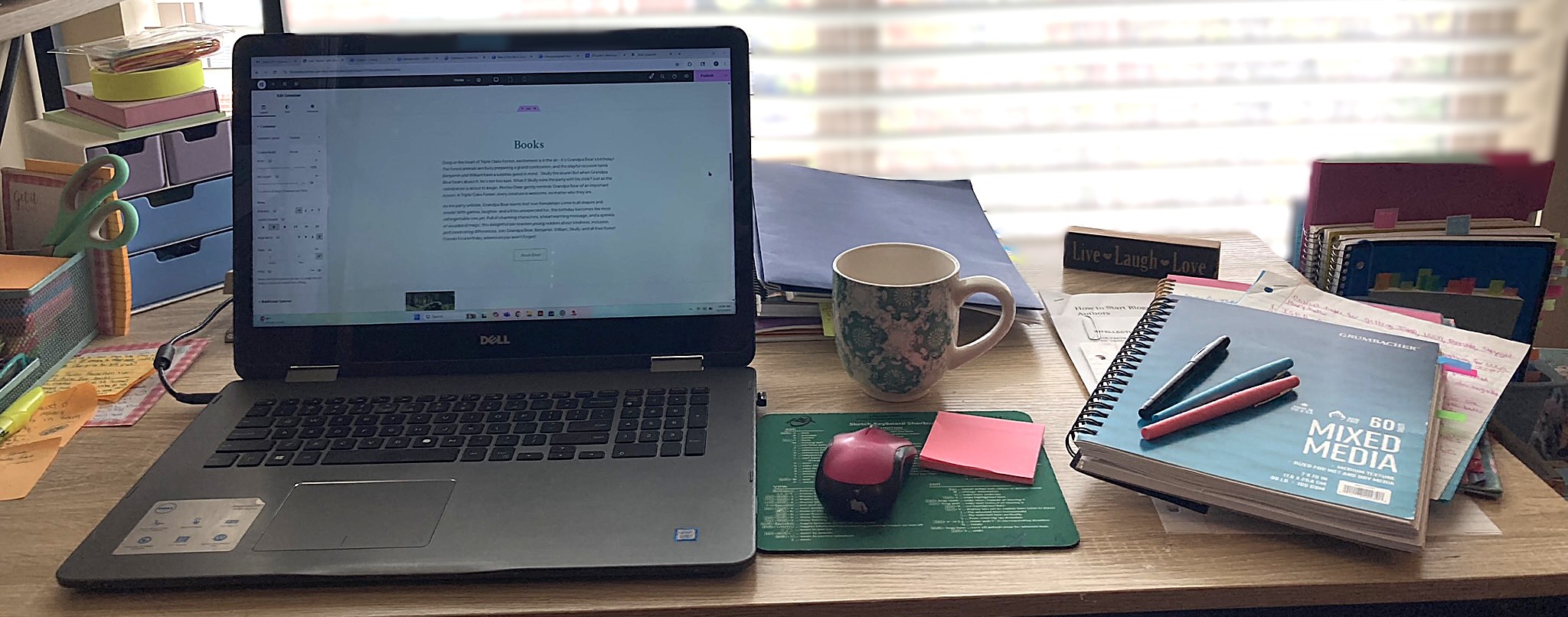
I feel it is also important to discuss building your website. I must say that building a website (from yours truly, who had absolutely zero experience) is not an easy task (unless you know what you are doing). I am not sure whether it was temporary insanity or what, but I decided (after watching some YouTube videos and doing some research) that I would build my own. I mean, how hard could it really be, right?! The YouTubers seemed to think it was easy, and some even said that with certain programs, such as WordPress, it would only take you about 30 minutes!! Wow! Thirty-minutes! That would give me so much time to do other important things on my list. But, in reality, it took me much more research (like a few month’s worth), a lot of frustration, a “how-to” book from Amazon, two nights of reading the book, (including highlighting and marking very important pages with very colorful tabs, and might I add, that those very important pages seemed like every single page was indeed very important, except for a couple of chapters and this was only because I was lost at this point, and didn’t know if that stuff was important or not!) wanting to throw my computer out of the window, and complaining to my husband how hard it was. I must say that the book was a very excellent ‘how-to’ book. The book is WordPress for Beginners 2025: A Visual Step-by-Step Guide to Mastering WordPress, written by Dr. Andy Williams. It was a very comprehensive step-by-step guide, and was very well written and easy to understand.
I did follow each step and got my website about 90% finished before I hit a wall. I could not figure out how to do certain things, such as getting the buttons to work in order to take the reader to another place on the website. So, after researching a couple of local website developer companies and getting quotes, I decided to go with one that I felt would do everything (and more) that I needed done, in order to have a great-looking website. Not to brag (too much), but they did tell me that what I had accomplished on my own was good and impressive because I did not know, in the beginning, what I was doing. It took a lot of determination and stubbornness (which I do not seem to lack) to create and build my own website. I am, however, glad that in the end, I did hire a company to finish the website for me. And, they did such a great job, I feel confident that if I need something else done, I can call them again.
So, whether you design and make your own website or hire a company, do your homework and make sure that whatever you choose, you are comfortable with. If you decide to do your own website, and get into it, and then decide that you cannot do it, or that you just do not have the time or patience, you can always stop and hire professionals. Just make sure, like anything else, you look at their reviews, and interview them, to make sure it will be a good fit for what you are wanting. Most web designers want to please you and design a website that you can work with and that will look professional, but like anything else, it is good to shop around before making that decision.